
Do not use a public inbox for passwords
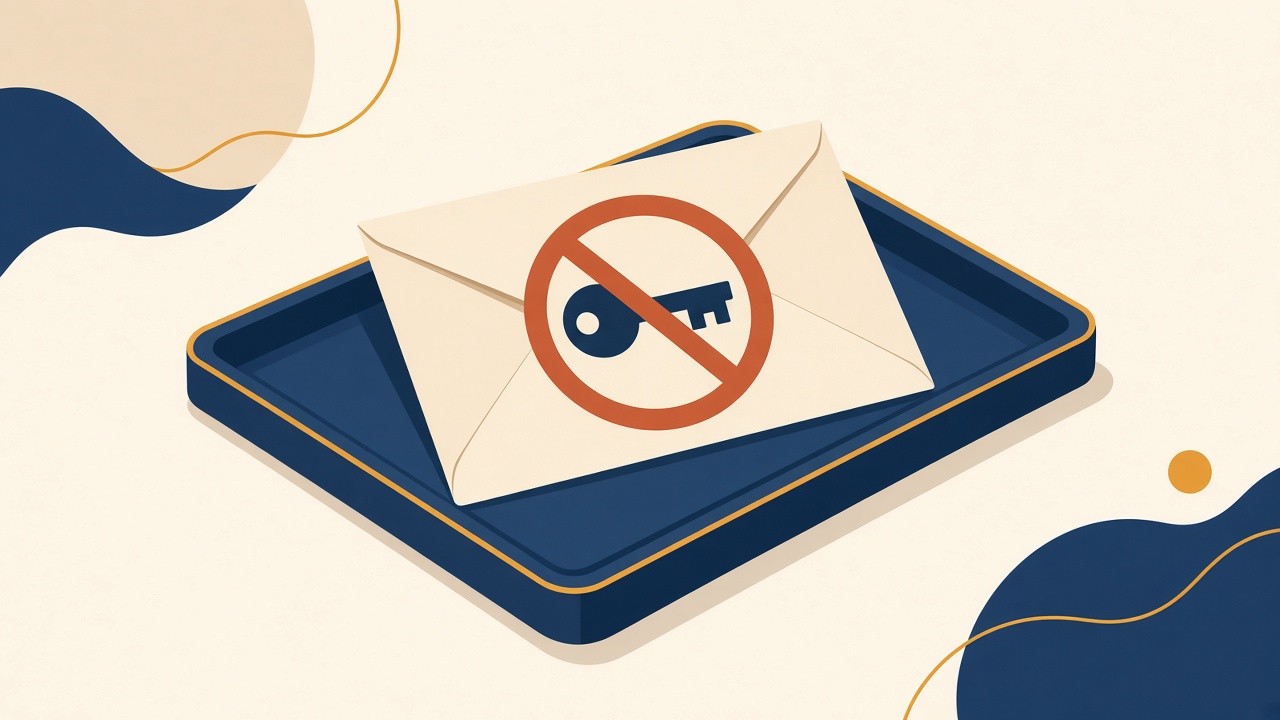
A throwaway address can be a reasonable way to avoid a newsletter you do not trust. It is not a reasonable place for a password, a password reset, a bank, a medical portal, a government site, or a wallet.
The inbox is the key
If a service emails a reset link to an address, anyone who can open that address can ask for a new link. On this site, that group is anyone who can guess or see the mailbox name. A reset link in a public inbox is a public reset link. The same is true of a one-time code that signs a person in.
Guessable names are not a secret
Names such as admin, info, test, or a first name are the first ones other people try. A long random name is harder to guess and still not a secret. The name can appear in a screenshot, a log, a referrer, or another person's browser history. Hiding the name is not the same as a login.
What to do instead
Use a mailbox that requires its own login for anything that can spend money, identify you, or lock you out. Turn on that provider's own security features. Keep public inboxes for content that would still be harmless on a cork board.
If a secret already went out
Change the password from a device you trust, and send the reset to a private mailbox. Do not send the new password to the public address to check that the form works. If the message contained an identity document or a payment number, contact the organization that issued it and follow their replacement steps. A shared team address has the same problem, which is covered in when a team shares one test address.