
Why the same email has a plain-text part and an HTML part
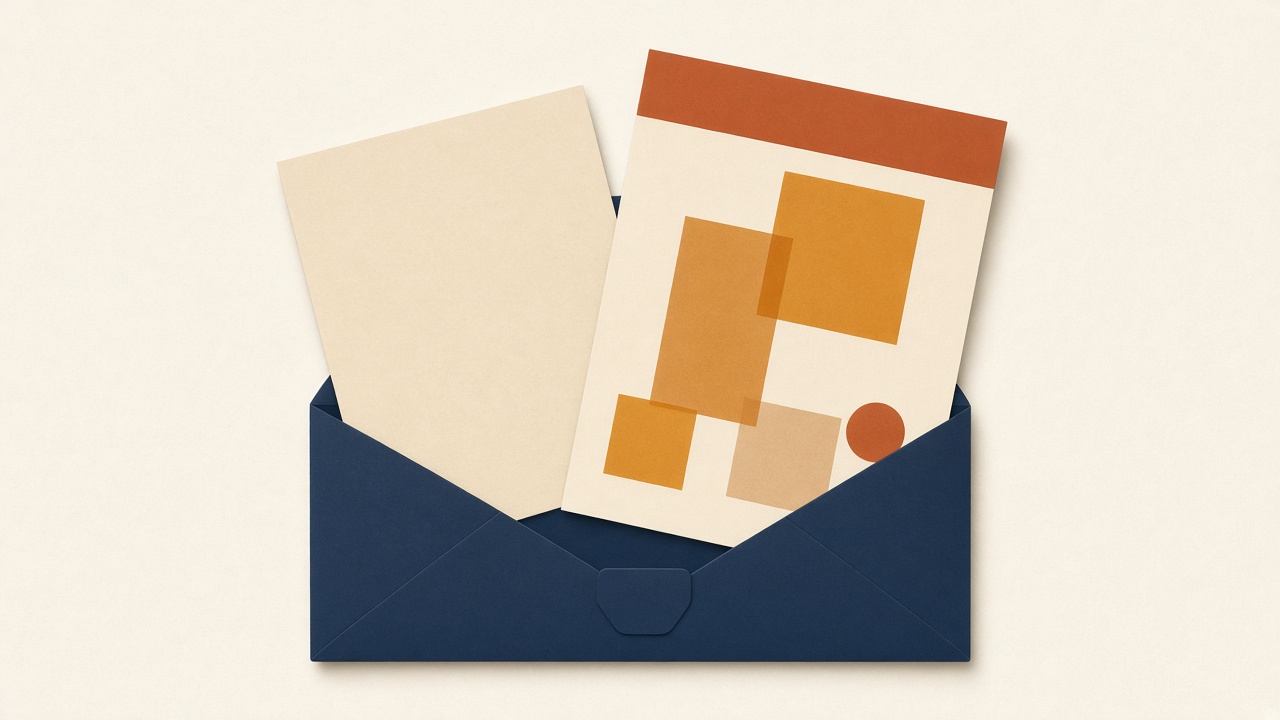
Many messages contain two versions of the same content. One is plain text. One is HTML. Mail programs choose one to show. A careful sender fills both, because some readers never display HTML, and some security tools trust the text part more than the designed page.
What this site shows
The message page leads with plain text when the sender included it. You can open a formatted view when HTML is present. That view is isolated from the rest of the site so the message cannot run scripts here. Pictures that would be downloaded from another server are blocked. A broken image in the preview is often that block, not a failed test.
What to look for
See whether the text version still contains the code and the link. See whether the HTML version hides the only copy of the code inside an image. If the code exists only as a picture, many people will not be able to read it, and this inbox will not show that picture either. Put the code in the text.
Files attached to the message
The page can list file names and types. It does not provide the files for download. If your test depends on an attachment, open it in a normal mail client you trust, and keep unexpected files out of a public test address. A file name alone is not a reason to treat the file as safe.
For the path from the sender to this page, read what happens when a message arrives.